Case Statusing Requests
Overview
Case Statusing Requests are notifications sent by PCH to attorneys and case managers requesting specific updates or details about a case. Use these entries to quickly navigate to the status request screen and provide the information requested by PCH.
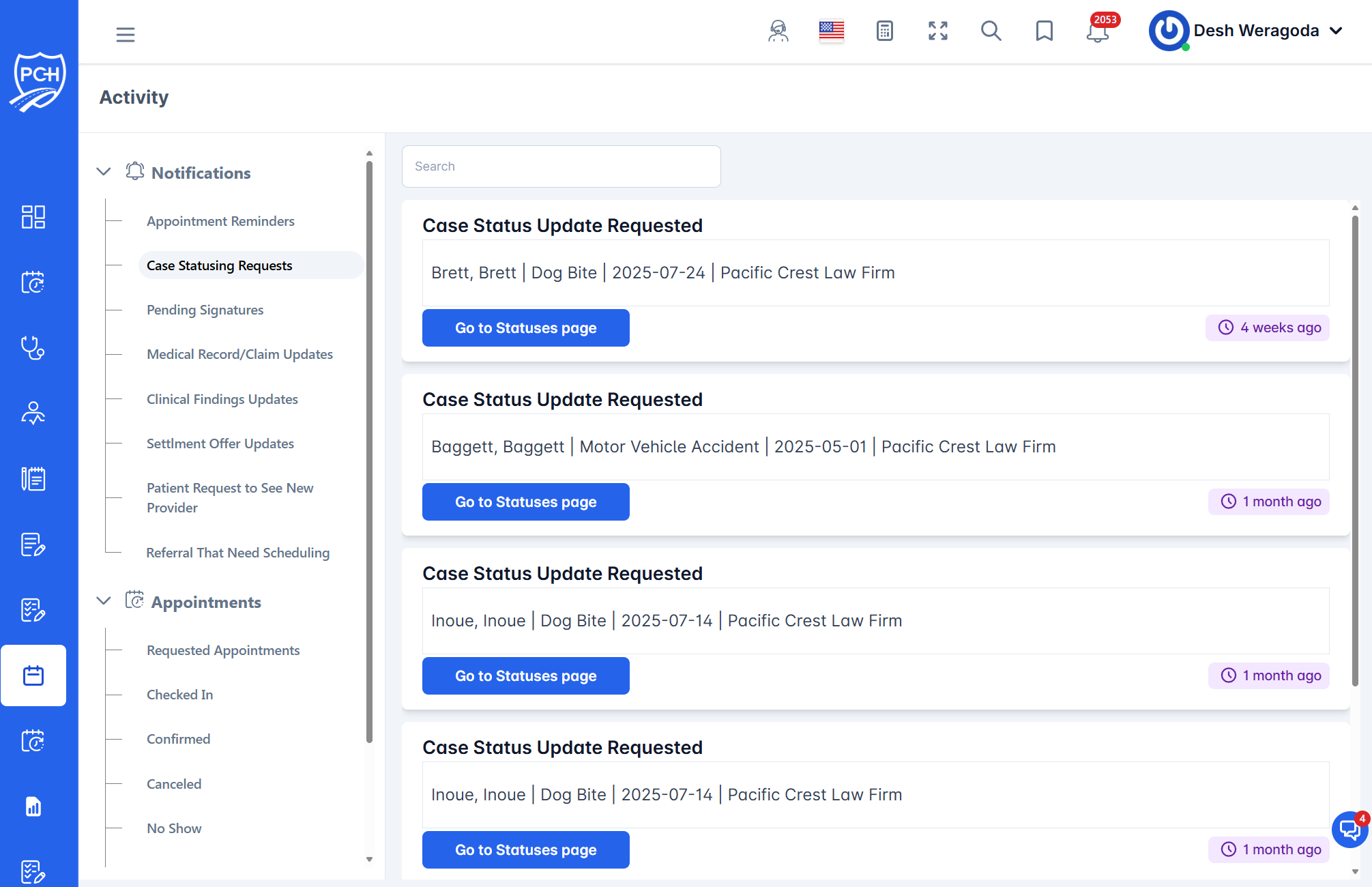
What the card shows
- Title: "Case Status Update Requested".
- Case context: Client name(s), incident type, incident date, and firm name to help you identify the case.
- Action button: "Go to Statuses page" — routes you to the detailed Case Status Request screen.
- Timestamp badge: Relative time when the request was created (e.g., "4 weeks ago").
How to respond
- Click "Go to Statuses page" on the card.
- On the Case Status Request details screen, enter the requested information (e.g., treatment updates, demand status, settlement posture) and submit.
- The Activity feed will record your submission for audit history.
When requests appear
- PCH initiates a status request for one of your cases (e.g., periodic status checks or targeted information needs).
- Requests remain visible in the feed until addressed and are kept for historical context.
Tips
- Be specific: Provide clear, dated updates and include supporting notes when helpful.
- Search: Use the search bar to filter by client name, firm, or incident details shown on the card.
- Permissions: You will only see requests for cases you have access to.
Troubleshooting
- Button doesn’t navigate? Refresh the page and try again. If it persists, verify you still have access to the case.
- Can’t find a request? Clear search terms and scroll the feed; confirm PCH has issued a request for that case.