Expert Pays
Overview
Expert Pays is a PCH Partner where you can request funding for experts and other expensive case costs. Complete the request form and the Expert Pays team will review and contact you with approval or next steps.
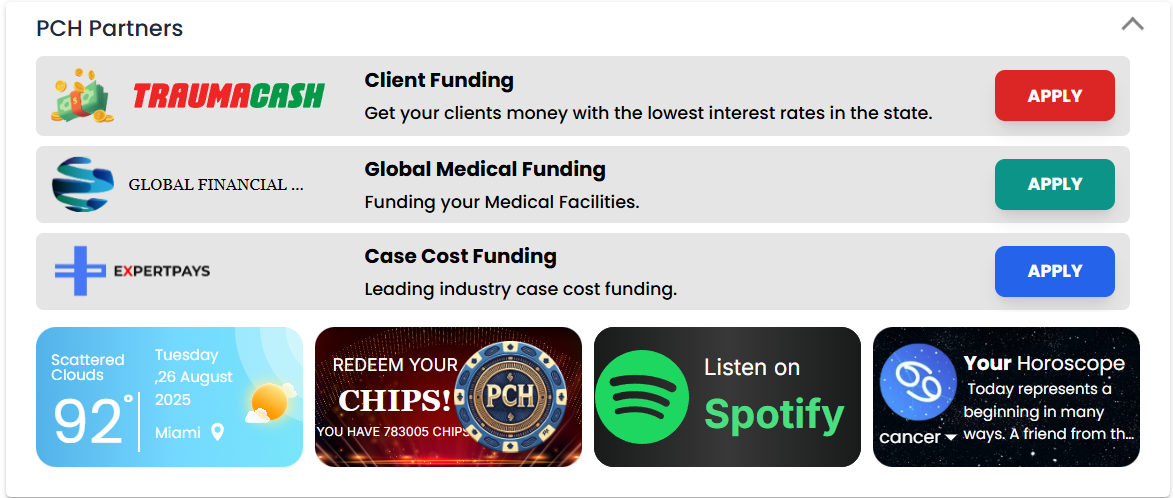
Accessing Expert Pays

- From the PCH Partners area on the Dashboard, click the Expert Pays button to start a new funding request.
Request form sections
Fill out the relevant sections below. Screens may vary slightly based on your configuration.
Treatment status
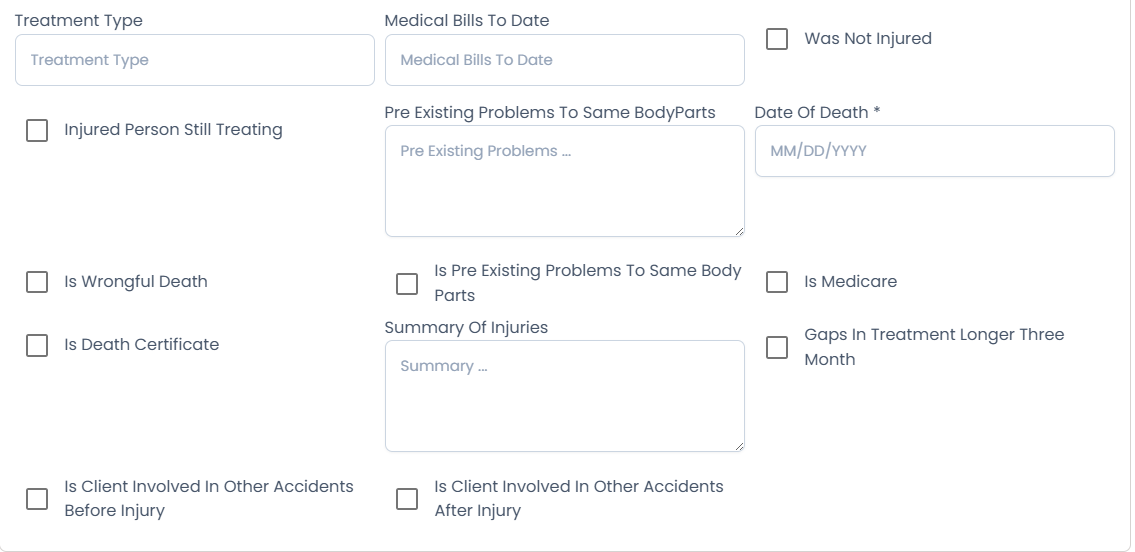
- Indicate whether treatment is ongoing, completed, or pending.
- Add dates and providers if requested.
Services requested (funding for)
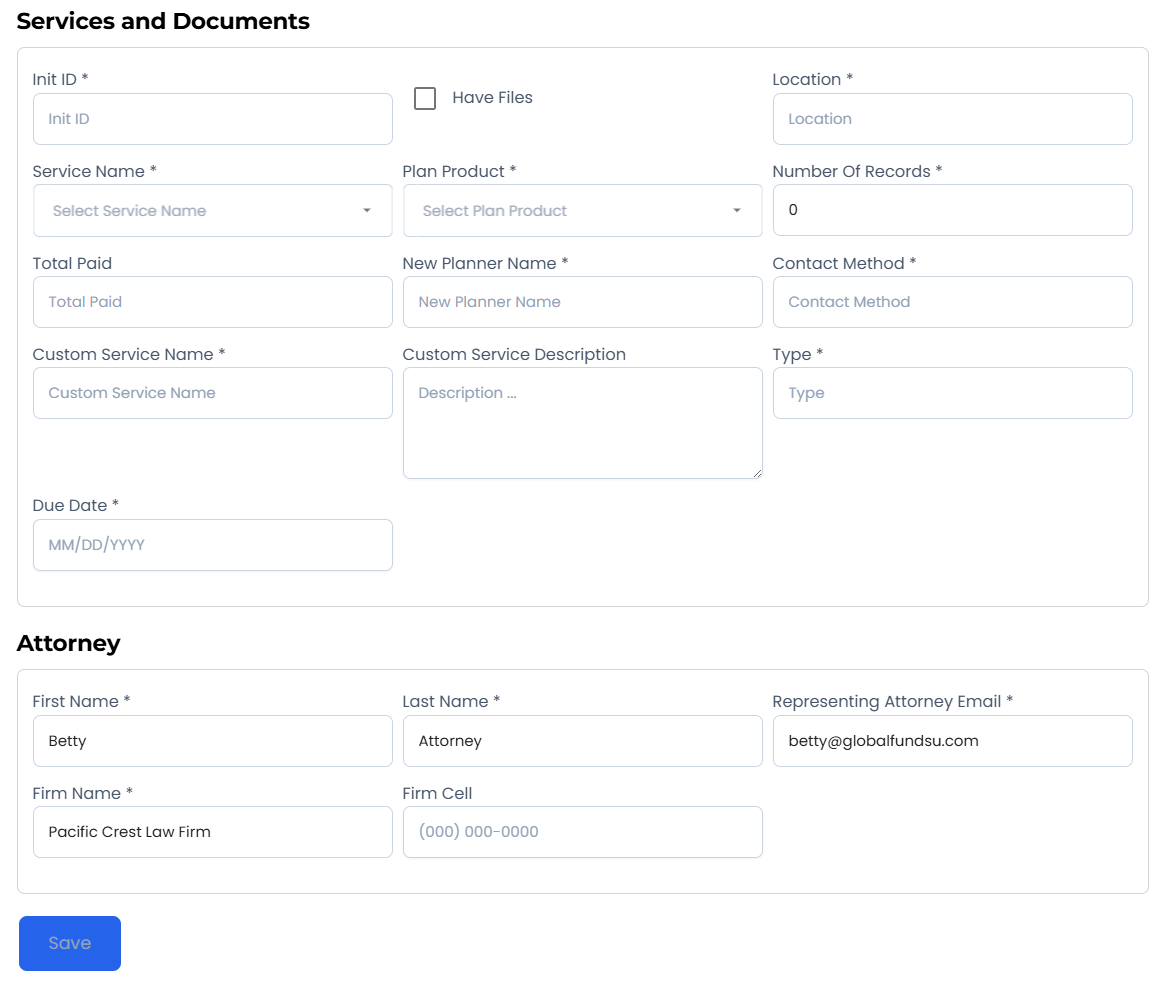
- Select the expert or service type (e.g., IME, Life Care Plan, Accident Reconstruction) and estimated costs.
Client info
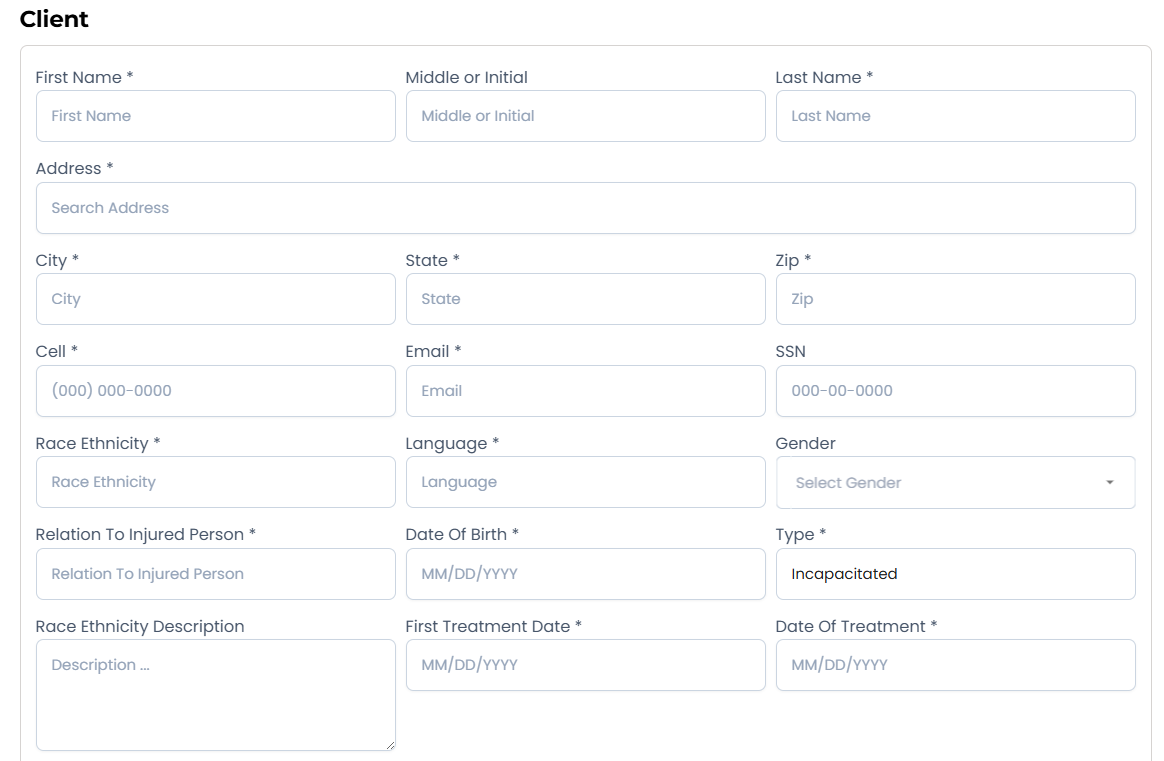
- Verify client identifiers and contact details; ensure accuracy for underwriting.
Case value
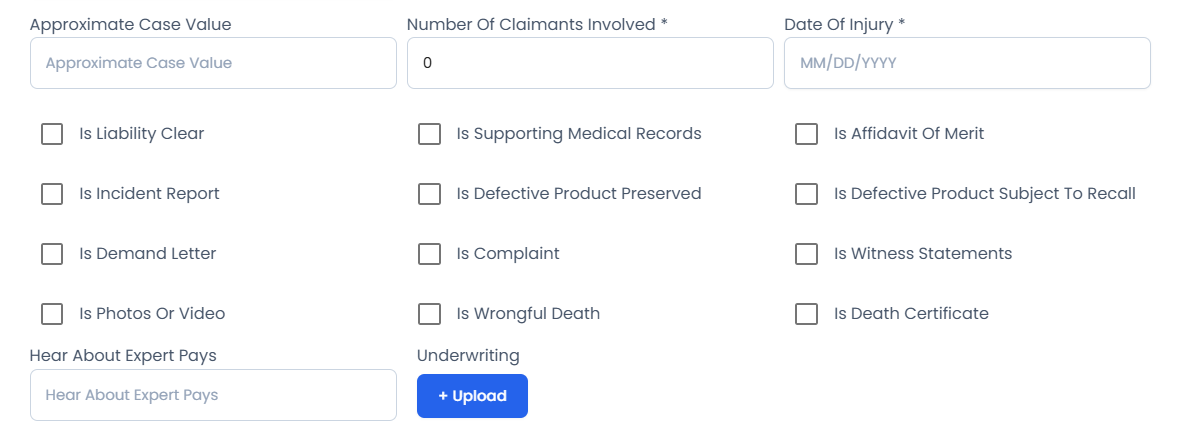
- Provide current valuation ranges, policy limits, liens, and other economic factors.
Accident details
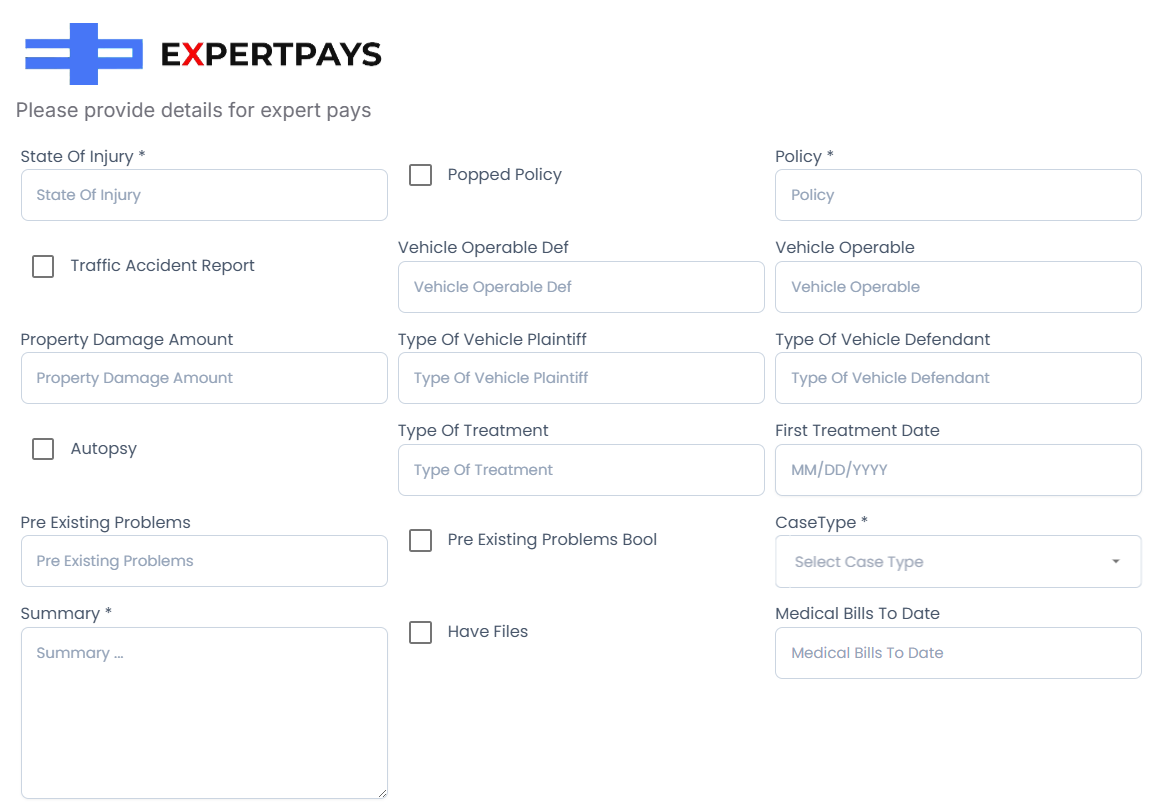
- Describe facts, liability posture, and supporting details that impact funding decisions.
Submission and review
- Submit the form to send your request to Expert Pays.
- You will be contacted with an approval decision or requests for additional information.
- Approved items will proceed to funding arrangements as communicated by the partner.
Tips
- Be specific and include concise factual support for requested services and amounts.
- Keep valuations realistic and note any outstanding liens or disputes.
- Save drafts if available; gather missing info before submitting to avoid delays.
Troubleshooting
- Can’t submit? Check for required fields highlighted in the form.
- Missing images or sections? Refresh the page and ensure your role has partner access enabled.
- No response after submission? Verify the request was submitted successfully and follow up through the partner contact listed in the confirmation.